How to use Kalamos
From connecting LinkedIn to your first reply, one step at a time. Jump to any step.
4:21 · captions on
What each step teaches
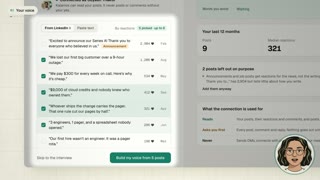
01 Your voice
Connect LinkedIn, keep three to six posts that sound like you, and check the rules Kalamos writes down.
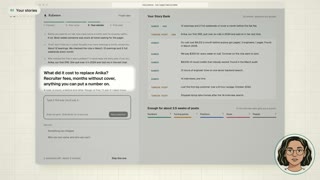
02 Your stories
Five questions about your work. Your answers land in your Story Bank as you go.
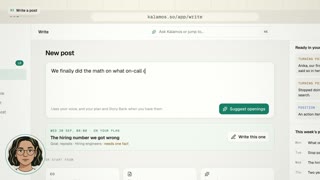
03 Write a post
New post, type what happened, Suggest openings, then pick how it opens.
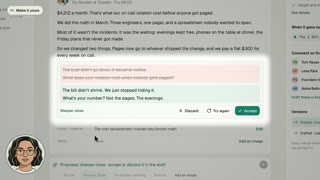
04 Make it yours
Edit in place or ask for a change. Schedule stays locked until all six checks pass.
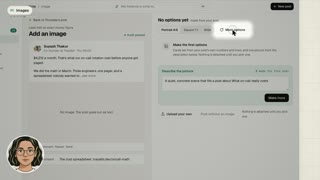
05 Images
Add an image, More options, Use this. Or ask for a carousel and edit any slide.
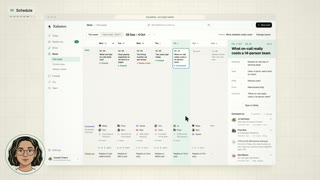
06 Schedule
Pick a time, Schedule, confirm once. What waits on your yes collects in Needs you.
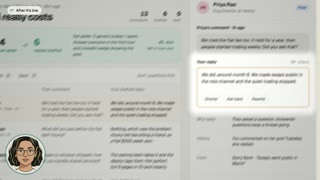
07 After it's live
Drafted replies to your comments, and who engaged. You still press send.
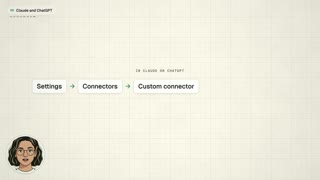
08 Claude and ChatGPT
Copy the connector in Settings, Agents, add it to your assistant, and allow it once.